Do You Actually Need a Pro for Starlink?
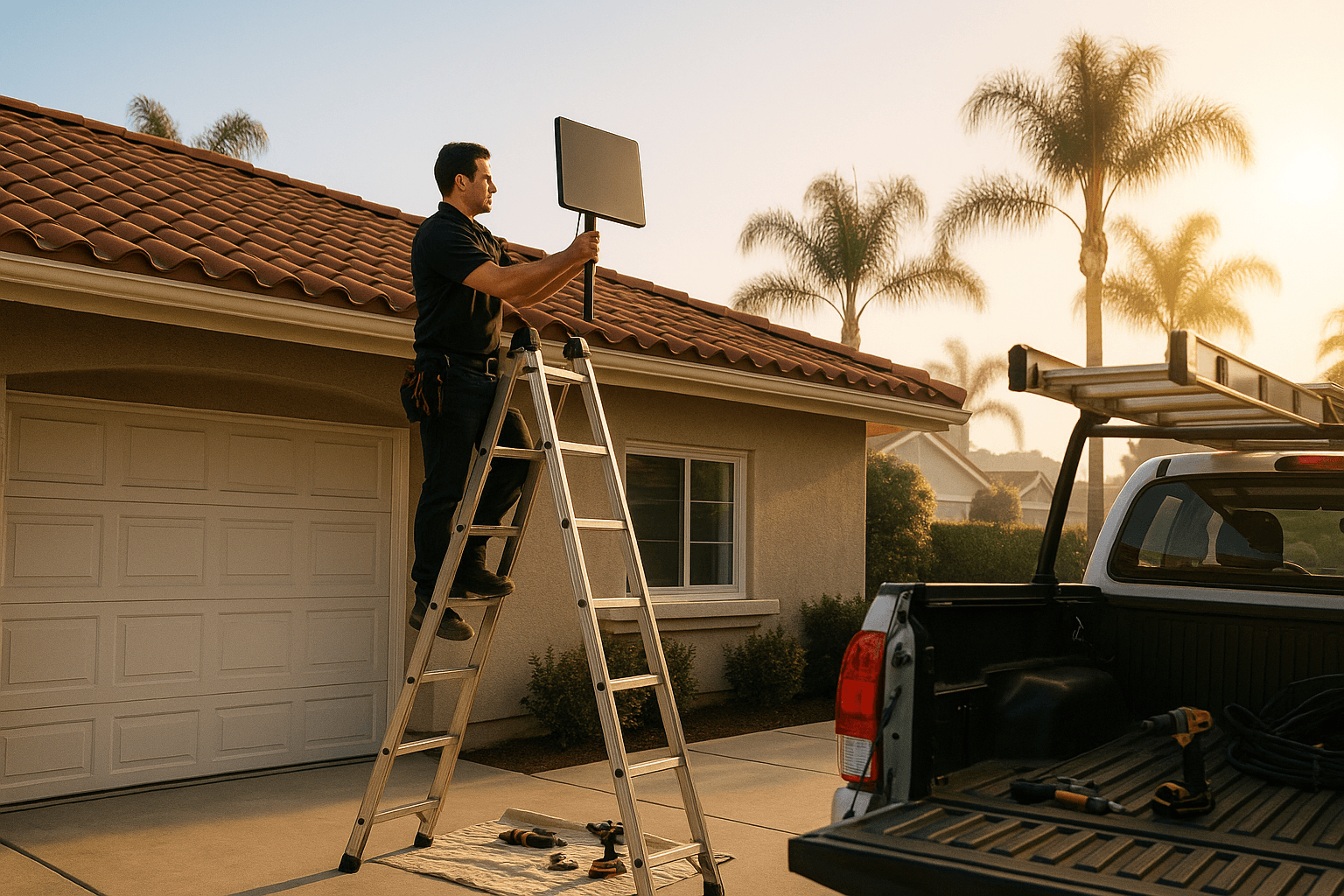
The honest answer: most Orange County homeowners do. Starlink is designed to be self-installable and a simple ground-level install for an RV or a single-story home with a shingle roof is genuinely a one-afternoon DIY project. But most OC homes are not that simple. Tile roofs, two-story layouts, HOA review, attic fishes, and long cable runs stack up fast. This guide walks through when DIY works, when it does not, and what you actually get for the price of a pro.
Starlink Install Pro is a local independent installer. We are not affiliated with Starlink or SpaceX. We have zero stake in pushing you toward a pro install if DIY is genuinely right for you — we would rather turn you away than sell you a job you do not need.
The Quick Answer — A DIY Decision Tree
Run through this list. If you answer no to any of them, DIY starts getting risky:
- Is your home single-story?
- Is the roof asphalt shingle (not tile, metal, or slate)?
- Is your cable path simple — a short run from a fascia to a nearby window or vent?
- Are you comfortable on a ladder and on a pitched roof?
- Do you have roofing experience, or someone helping who does?
- Is there no HOA architectural review you need to navigate?
- Are you willing to invest 6 to 10 hours?
- Do you have the right tools — cordless drill, impact driver, caulk gun, ladder, fall protection?
Seven or eight yeses? DIY is reasonable. Three or four? Hire a pro. Middle ground? Call and ask — we will tell you honestly which side of the line you are on.
What Goes Wrong With DIY (Most Often)
About 1 in 5 of our service calls in OC is a DIY install that needs a rework. The same mistakes show up over and over:
Mounting the Dish on a Gutter
The Starlink dish is not heavy, but wind load in a Santa Ana gust turns it into a lever. A gutter is not structural. The mount tears the gutter off in the first big wind event — sometimes with the dish still attached.
Unsealed Penetrations
A roof penetration needs flashing and a specific sequence of sealant, flashing, and shingle overlap. Sealant alone — even a lot of it — is not enough. Water finds its way around caulk over 2 to 3 seasons. We see DIY installs where the only thing between a drilled hole and an attic is a glob of clear silicone. These always leak eventually.
Cable Run Across the Front Facade
A bright black Starlink cable running across the front of a white Mediterranean is a clear sign of a rushed install. It is visible, it ages badly in UV, and it chafes on the stucco edges. A clean install runs cable in an attic or along a soffit, out of sight.
Dish Location With Obstructions
The Starlink app obstruction scan is easy to run but easy to misread. A lot of DIY installs pick a spot that looks clear from eye level but has a palm frond or a neighbor's pine branch eating into the sky cone 30 feet up. The install works great for six months and then the tree grows another foot.
No Documentation
DIY installs have no record — no photos of the seal, no notes on the mount spec, no proof for your roofer or insurance company that the work was done right. When the roof leaks three years later, the roofer shrugs and points at the dish.
What You Actually Get From a Pro
For the $699 flat rate, a professional OC install includes the things that are hard to DIY well:
| Pro Install Includes | Why It Matters |
|---|---|
| Proper obstruction scan from multiple candidate spots | Picks the dish location that stays clean for years |
| Rafter-anchored mount, not sheathing | Holds up to Santa Ana winds for the life of the roof |
| Flashing and sealed penetration | Won't leak when the rains come |
| Hidden cable routing | Clean look from the street, protected cable |
| HOA-aware install | Survives architectural review |
| Wi-Fi placement | Actually covers the rooms you care about |
| 90-day workmanship warranty | Somebody to call if something fails |
| Documentation | Photos and specs for your records |
The Time Math
People underestimate how long a first-time Starlink install takes. Real numbers from the OC DIY installs we have rescued:
- Reading up and planning — 2 to 3 hours
- Running to the hardware store for missing parts — 1 to 2 hours (usually twice)
- Setting up ladder, tools, and access — 30 to 60 minutes
- The install itself — 3 to 5 hours for a first-timer
- Cleanup, test, retest — 1 to 2 hours
- Fixing anything that did not work the first time — variable
Realistic total: 8 to 12 hours for someone who has not done it before. A pro does it in 2 to 4 hours because we have done it 500 times.
If you value your Saturday, that is a real cost to weigh against the install fee.
When We Say Do It Yourself
We tell customers to DIY when they describe one of these scenarios:
- Single-story ranch home, shingle roof, clear view of the sky from a back eave, short cable run to a nearby office. No HOA. Comfortable on a ladder. Total install time under 4 hours. Go for it.
- RV or travel trailer with a Starlink Mini on a removable pole mount. Super simple. DIY.
- Ground-level pole mount in a backyard with a run buried in a shallow conduit to the house. Mostly landscaping, not roofing. DIY.
For those jobs, we would rather see you spend the $699 on a different home improvement.
When DIY Becomes a False Economy
The break-even point tilts against DIY in these situations:
- Any tile roof — specialized hardware, real consequences if you crack a tile
- Two-story homes — fall risk, access complexity
- HOA-governed properties — submittal and approval expertise matters
- Long cable runs through walls — attic fishing is a skill
- Commercial buildings — code, grounding, and documentation requirements
- Homes with marginal sky visibility — picking the right spot is worth real money in long-term service quality
In those cases, the $699 flat rate is one of the cheaper line items in the total cost of ownership.
If You Already DIY'd It
If you have already installed your own Starlink and something is off — the speeds are bad, the dish moved in a wind event, a leak appeared, or you want to clean up the cable routing — we are happy to come out. A diagnostic visit finds the issue in most cases within the first hour, and we quote any rework on site before doing it.
We treat DIY rescue calls as normal work, not as "you should have called us first." You know your house, your budget, and your tolerance for ladder time. Life happens.
Ready to Decide
If you want a pro install, request a quote with your address and a photo of your roof. Residential installs start at $699 flat, all of Orange County. Or call (714) 474-5075 and we will walk through your setup on the phone and tell you honestly whether DIY or a pro is the right call.
For more on what a professional install looks like from start to finish, read Starlink Installation in Orange County: What to Expect.