Starlink Installation in Orange County: What to Expect
Booking a Starlink install should be straightforward. The kit arrives, a technician shows up, and by the end of the afternoon you are running a speed test on your new network. That is how it works when the job is scoped properly. When it is not, you end up with a dish bolted into the wrong spot, a cable run across your front facade, and obstructions eating 20 percent of your throughput.
This guide walks through what a professional install looks like in Orange County, step by step, so you know what to ask for and what to expect.
Note: Starlink Install Pro is an independent installation company. We are not affiliated with, endorsed by, or sponsored by SpaceX or Starlink. Our job is the physical install — mounting, cabling, and Wi-Fi. You own the kit and the account.
Step 1: The Quote Call
It starts with a short conversation, either on our site form or over the phone. We ask for:
- Your address
- The kit you ordered (Standard, Mini, Flat High Performance, or Business)
- Roof type (shingle, tile, flat, metal) if you know it
- Where you want the router
- Any HOA or landlord constraints
- Photos of the roof and where the router should live, if possible
With that, we can usually quote a standard install on the phone. If the roof is tile, multi-story, or has visible obstructions nearby, we may schedule a brief site walk first — free, usually a 20-minute visit.
Step 2: Site Survey and Obstruction Scan
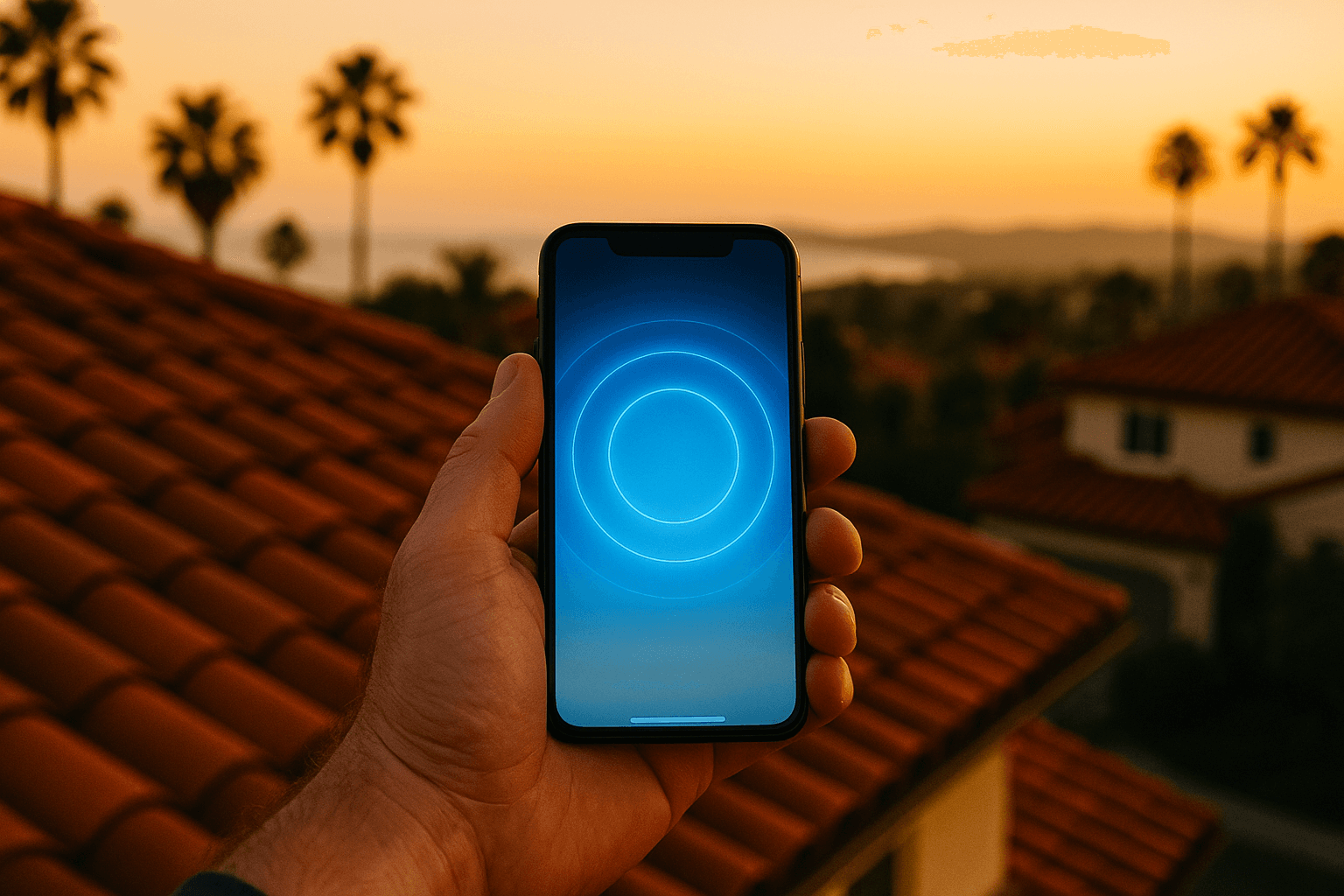
Before we drill anything, we run the obstruction scan built into the Starlink app from two or three candidate mount points. The app shows a hemisphere around the dish and highlights anything blocking the sky — trees, chimneys, taller rooflines, and the house next door.
In Orange County we see three obstruction patterns constantly:
- Mature trees in older neighborhoods. Anaheim, Orange, Fullerton, and the older parts of Santa Ana have neighborhoods with 50-year-old ficus, pine, and eucalyptus trees. These eat north-facing sky.
- Two-story houses set close together. Tract neighborhoods in Irvine, Tustin Ranch, and Ladera Ranch often have a neighboring two-story blocking a portion of the sky. The fix is usually a slightly taller mast or a different corner of the roof.
- Canyon and hillside shading. Laguna Beach, Newport Coast, and Dana Point hillside homes can have the canyon edge or an opposite ridge blocking part of the usable sky.
We pick the mount point that minimizes obstructions and gives us a clean, short cable path to your router location. Sometimes the best spot for the dish is terrible for the cable. We solve for both.
Step 3: Mount Decision
Once we know the spot, we pick the mount:
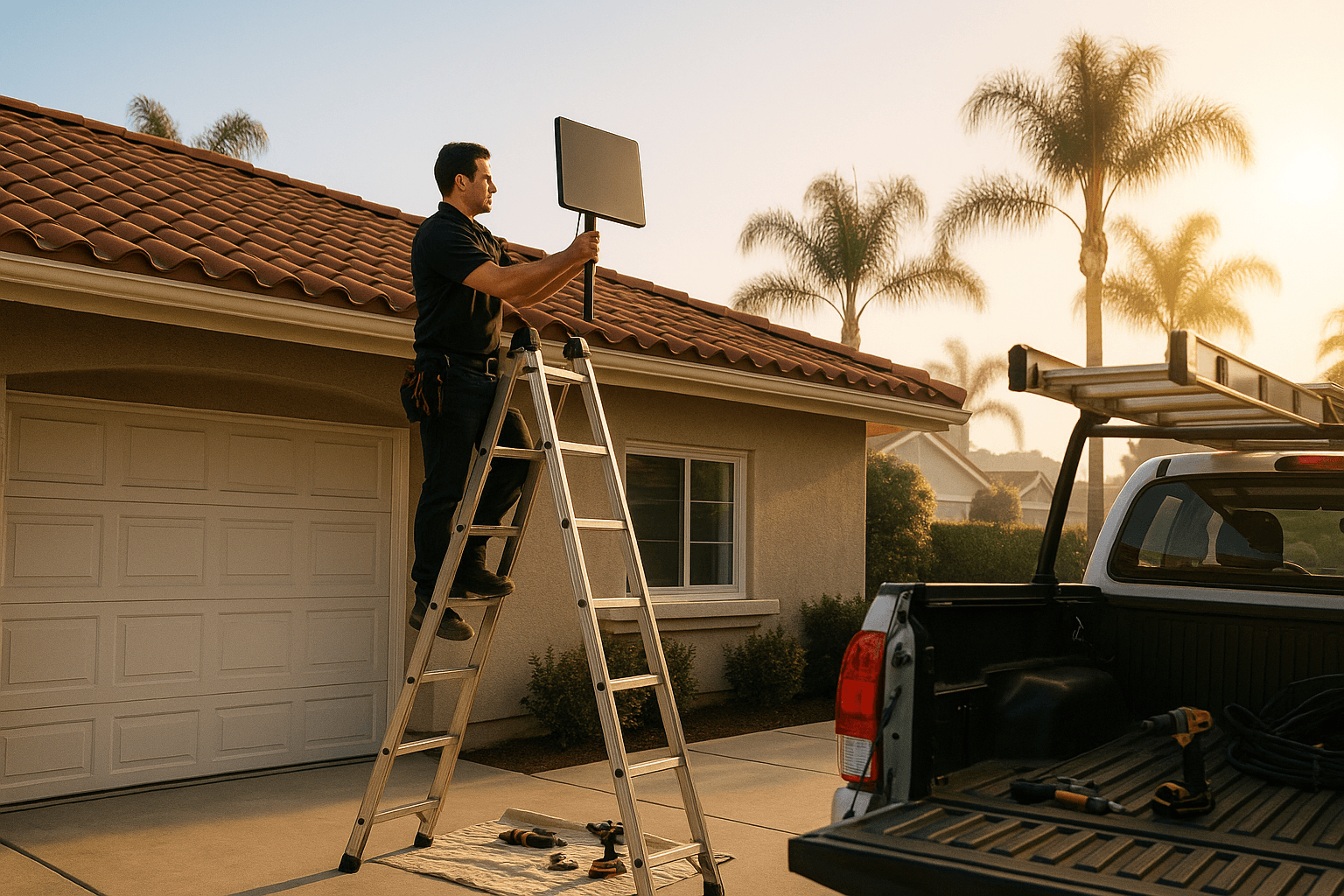
- Pitched roof mount — composition shingle, standard residential. Lag into rafter, flashing, sealant.
- Tile mount — clay or concrete tile. Specialized tile hook or replacement tile with a sealed penetration. Never a direct drill through tile.
- Flat roof ballast — modified bitumen or TPO. No penetration. Concrete ballast holds the mount down.
- Non-penetrating J-mount — eave or fascia. No roof penetration. Common on HOA-sensitive installs.
- Pole mount — set back from the house on a concrete footing, used when the roof can not see clean sky.
- Chimney mount — strap-clamped, no penetration. Works if the chimney is in the right place and in good condition.
We walk you through the options before we pick one. You sign off on the location in person. Then, and only then, do we drill.
Step 4: Cable Run and Penetration
The cable run is the part of the install that separates a clean job from a sloppy one. Our goal is zero exposed cable on the front of the house.
Typical routes:
- Dish to ridge, ridge to a soffit, soffit to an attic space, attic fish to the wall cavity above the router location
- Dish down a roof valley into a paint-matched conduit run to a side-wall penetration
- Flat-roof dish through a dedicated roof jack and down a chase to the network closet
Every penetration gets flashing, a grommet, and polyurethane sealant. We test the seal with a hose before we button up.
Step 5: Router Placement and Wi-Fi
The stock Starlink router is a good radio — when it is placed well. We put it:
- Central to the living space, not in a corner
- Out of metal enclosures and off the floor
- Away from the microwave and baby monitor
- With a clean line to the rooms that matter most (office, primary bedroom, TV)
For larger homes, we pitch adding a mesh node. We do not force this — if your existing mesh system is fine, we plug the Starlink router into bypass mode and let your hardware handle Wi-Fi.
Step 6: Speed Test and Handoff
Before we leave:
- We run three speed tests at different times, from the router and from your primary device
- We walk you through the Starlink app — obstruction view, stats, stow mode
- We label any gear we installed
- We take final photos of the mount, cable run, and seal for your records
If the speeds look off — high latency, low throughput, or obstruction alerts — we investigate before we leave. A good install ends with a customer who understands their network, not a customer who is googling "why is my Starlink slow" at 9 PM.
Common Orange County Quirks
- Coastal marine layer. Dish-wide icing is not a concern here, but heavy morning fog in Huntington Beach and Newport can soften peak speeds for an hour. Not a fix-it issue.
- Santa Ana winds. North county and canyon homes see 40–60 mph gusts a few times a year. We torque to spec and use beefier mounts on exposed ridges.
- HOA architecture committees. Irvine, Laguna Woods, and the gated South County communities often require submittals. We can produce photos and a one-page spec.
- Red clay tile. Common in San Juan Capistrano, parts of Laguna Niguel, and Anaheim Hills. Tile work takes longer — plan for an extra hour.
What You Should Have Ready
- Starlink kit, unopened, at the house on install day
- A plan for where the router should live
- Any HOA approvals handled before we arrive
- A clear path to the install area (garage door opener code, gate code, pets in a back room)
After the Install
We warranty our workmanship for 90 days. If a seal leaks or a mount loosens, we come back and fix it at no charge. Hardware warranty is between you and Starlink — we document everything so you can prove a clean install if you ever need to open a case with Starlink support.
If you move within Orange County, we can relocate the dish cleanly. If you upgrade to a different kit (Standard to Flat High Performance, for example), we can swap and reuse the cable run if the route still works.
Ready to book? Get a quote and we will have you online inside a week.