Starlink Obstruction Checks: Why They Matter Before You Drill
The second-most-common reason a Starlink install underperforms is obstructions. (The first is bad Wi-Fi placement, but that is a separate post.) An obstruction is anything between the dish and the sky — a tree branch, a chimney, a roof peak, the neighbor's house.
Unlike the old Hughes and DirecTV dishes, Starlink does not point at a fixed satellite. The constellation is a moving mesh overhead, and your dish follows different satellites as they cross the sky. That means an obstruction in any part of the usable sky cone will degrade service, not just in a single direction.
This is why we run the Starlink app obstruction scan before we drill anything.
How the Obstruction Scan Works
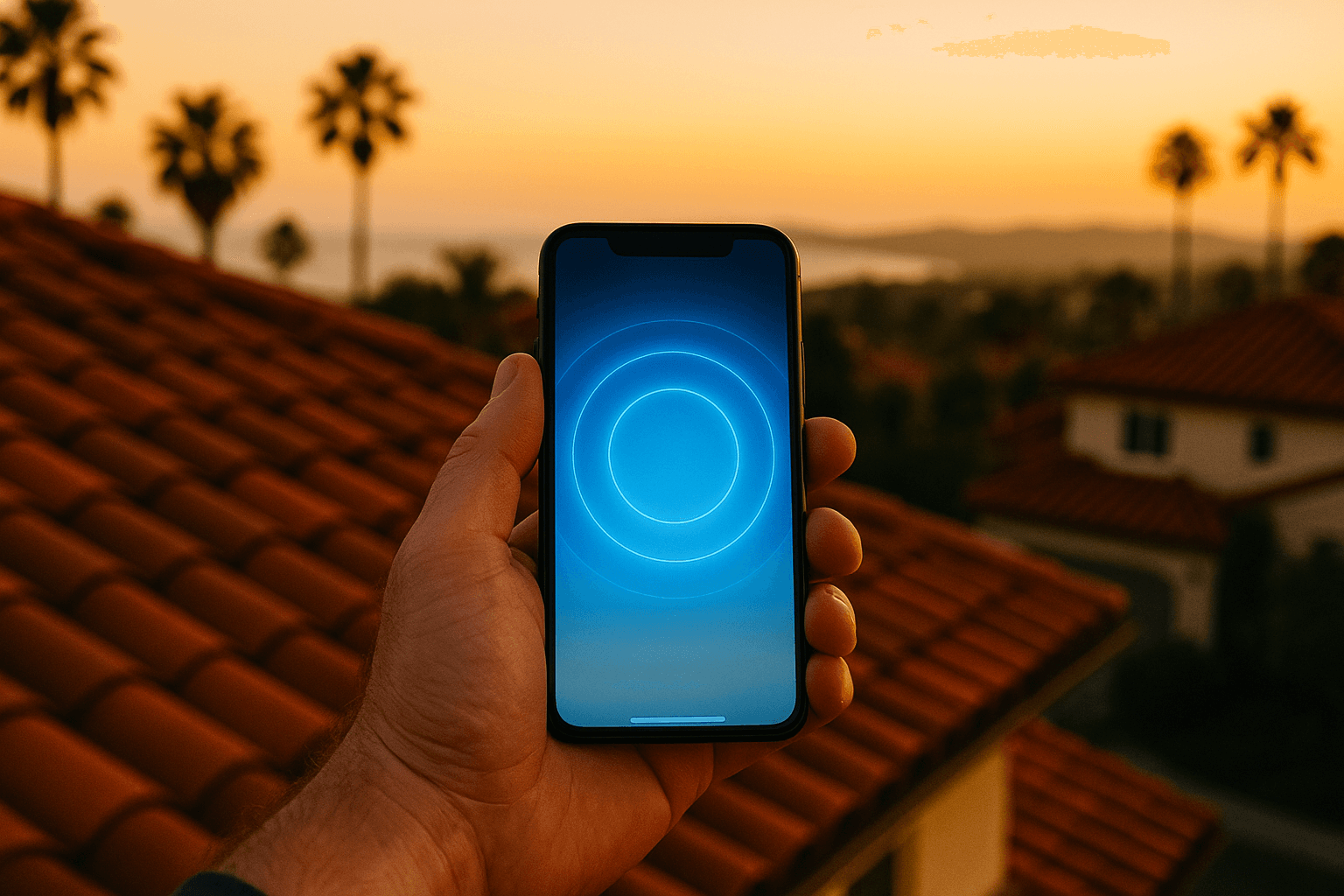
The Starlink app has a built-in tool called "Check for Obstructions." You stand at the proposed dish location, open the tool, and rotate slowly for about two minutes while the app uses your phone's camera and sensors to map the sky above that point.
The result is a hemisphere visualization — a dome of sky — with clear areas in blue and obstructed areas in red. The app estimates the percentage of the hemisphere that is obstructed.
A few things to know:
- The scan is an approximation. It does not distinguish between a leafy tree (seasonal) and a brick chimney (permanent).
- Phone height matters. Running the scan at eye level underestimates what the dish will see from a rooftop mount three or four feet higher.
- Run it at multiple candidate mount points. The same roof can have drastically different obstruction profiles five feet apart.
What Obstructions Actually Cause
In mild cases (under 2 percent obstruction): brief, intermittent drops that most users never notice unless they are on a video call at the wrong second. Real-world throughput is unaffected.
In moderate cases (2–5 percent): occasional multi-second drops. Streaming pauses and buffers. Cloud video calls glitch. Gaming latency spikes. Noticeable but livable.
In severe cases (above 5 percent): regular service interruptions during high-traffic periods. The dish spends meaningful time switching between degraded satellites. You notice it every day.
The Starlink hardware will keep working with obstructions. It just will not work well. And no firmware update will fix a chimney in your sky view.
How We Pick a Mount Location in Orange County
On every OC install, we run the obstruction scan from at least two candidate mount points and compare. Our priorities:
- Zero obstruction is the goal. If a location can hit zero, we pick it.
- Slightly worse sky view is better than a bad cable route. A 1 percent obstruction that runs cable 15 feet beats a 0 percent obstruction with a 75-foot exposed cable.
- Consider seasonal change. A deciduous tree bare in winter will be full in July. We treat summer leaves as permanent obstruction.
- Consider future growth. A 15-foot tree today is a 25-foot tree in a decade. Look up.
Orange County-Specific Obstruction Patterns
Different parts of OC throw different obstruction patterns at us. Here is what we see most:
Older North County Neighborhoods (Fullerton, Orange, Anaheim, Santa Ana)
Large mature trees. Ficus, pine, jacaranda, eucalyptus. Some homes planted trees in the 1960s that are now 60 feet tall. The fix is usually a taller mast, a different corner of the roof, or a pole mount set away from the house.
Tract Communities (Irvine, Tustin Ranch, Ladera Ranch, Mission Viejo)
Two-story neighbors close to the lot line. The neighbor's roof eats a wedge of sky. The fix is usually pointing the mount toward the opposite corner or going slightly taller on the mast.
Canyon and Hillside (Laguna Beach, Newport Coast, Dana Point)
The opposing ridge or canyon wall is the obstruction. Hillside homes often have brilliant ocean views but compromised sky views over the house behind them. We climb up and survey from the highest roof point available.
Coastal Condos and Townhomes (Huntington Beach, Seal Beach, Costa Mesa)
Shared roofs and adjoining buildings. The best mount is often at the boundary of the unit, with HOA approval. Obstruction scan confirms whether the neighboring unit's roof is in the way.
Denser Central OC (Downtown Santa Ana, Costa Mesa Eastside)
Power poles, mature street trees, and closely spaced rooftops. Pole mounts in the backyard sometimes outperform a roof mount here.
The Site Walk We Actually Do
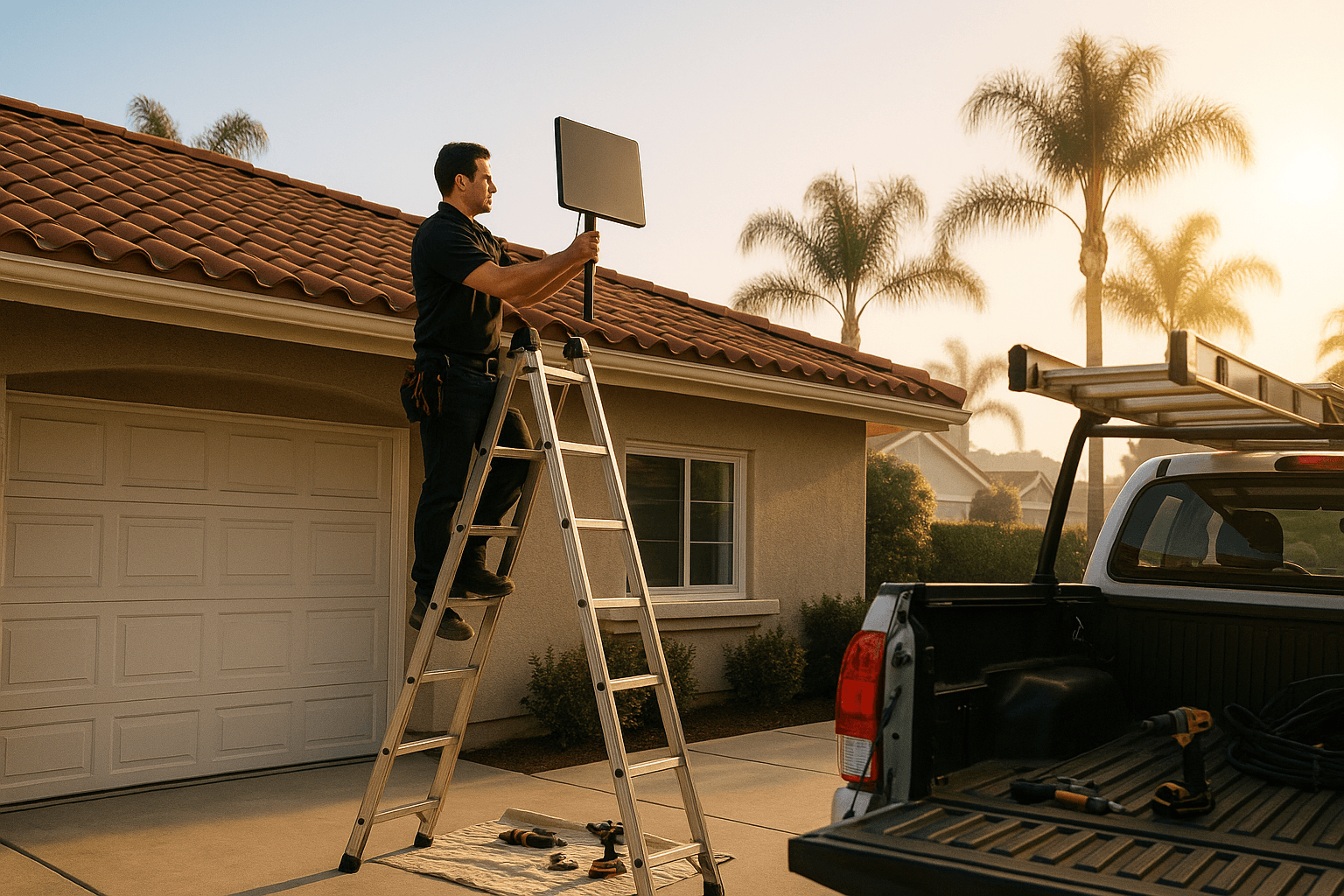
When we show up for an install, the first thing we do is climb up and run the scan from the candidate points we identified during the quote call. We compare results, talk through tradeoffs with you, and mutually pick a spot.
If the numbers are marginal, we pitch alternatives:
- A taller mast (from 24 inches to 48 or 60 inches)
- A different corner of the roof
- A pole mount in the yard
- A chimney strap mount if the chimney is well placed
- A non-penetrating eave mount aimed up and out
We only drill after you have signed off on the chosen location.
Can I Do This Myself Before Booking?
Yes, and we encourage it. If you want a head start:
- Download the Starlink app.
- Walk onto the part of the roof or yard where you think the dish should go.
- Run the Check for Obstructions scan.
- Screenshot the result.
- Send it to us with your quote request.
That information lets us quote more accurately, identify obvious red flags early, and sometimes skip a separate site walk entirely.
After the Install
We save the final obstruction scan to your install record. If something changes — a new tree, a neighbor's remodel, a satellite service pattern shift — we can compare against the original scan and diagnose quickly.
A clean obstruction profile is the foundation of a good install. It is worth the extra 20 minutes it takes to get it right.
Ready to check your sky? Get a quote and we will run the scan with you on the first site visit.
Starlink Install Pro is an independent installation company. We are not affiliated with, endorsed by, or sponsored by SpaceX or Starlink.